The basic hot folder capability included in Wasatch SoftRIP can be configured to print rows whenever enough files
have been received to fill the width of the media. (This is called "Single Row Nesting" on the user interface.)
This has a number of limitations. On many devices, a certain amount of media is forced out after each row is printed
and on some there can be a long delay after each print. On others, a cutoff cannot be disabled, even though it may not
be needed. In other situations, there may be issues with finishing marks for Fotoba or other devices.
The script below uses Automation Option to create a customized hot folder, which will group pages of a fixed size
into layouts of a fixed number of columns and rows. All the embedded numbers are clearly marked and easy to edit
for a variety of situations.
Arriving files are output in these layouts, or after the expiration of a "time out", to ensure everything is output even
if it doesn't fit neatly into the requested layouts.
Another fairly-simple edit could print test strips, or identifying information, at the top and or bottom of
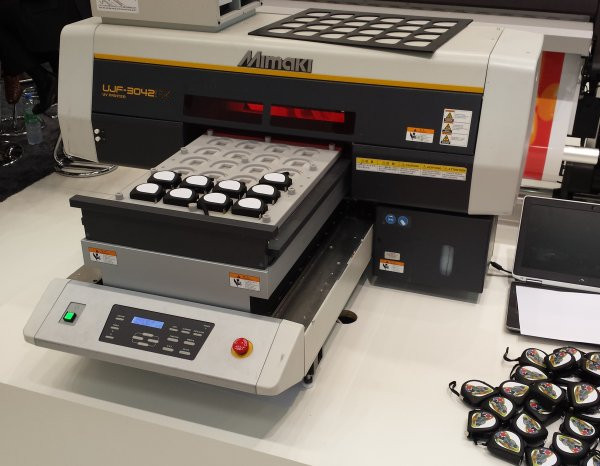
every layout. Other edits can make this script useful in common light manufacturing scenarios such as this:
Python 3 Source Code
|
 Simple Layouts from a Hot Folder