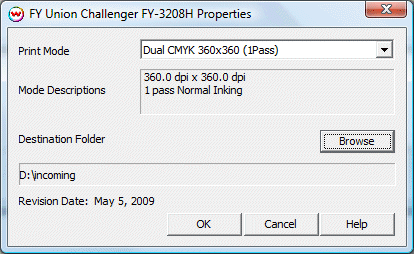
If you click on the Properties button next to the Printer Model window on the Imaging Configuration screen, the following control panel for this printer will be displayed:
The Printer Properties window has settings for Print Mode and Destination Folder.
Print Mode: Select the print mode.
Destination Folder: Select the folder you would like the output files to be saved in.
 FY Union Challenger FY-3208H