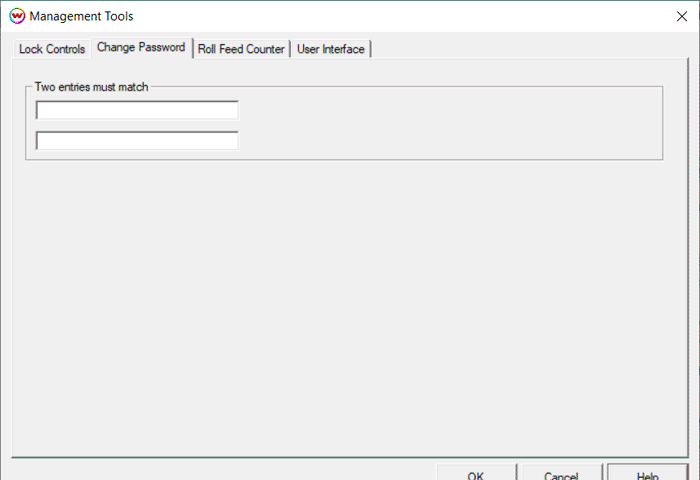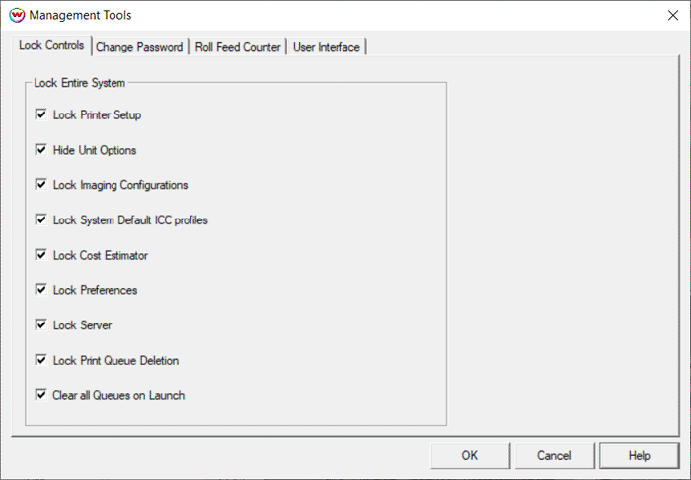
These controls are accessed through Management Login on the Tools menu. They can be secured under a password. On a new system, the password is simply pass. The password should be changed if the intention is to limit access to these controls. If a factory reset back to pass is needed, use the command line program adminclear.exe, included in your WasatchSoftRIP folder or wwrip folder.
These locks prevent unauthorized users from accessing or changing important system settings and controls.
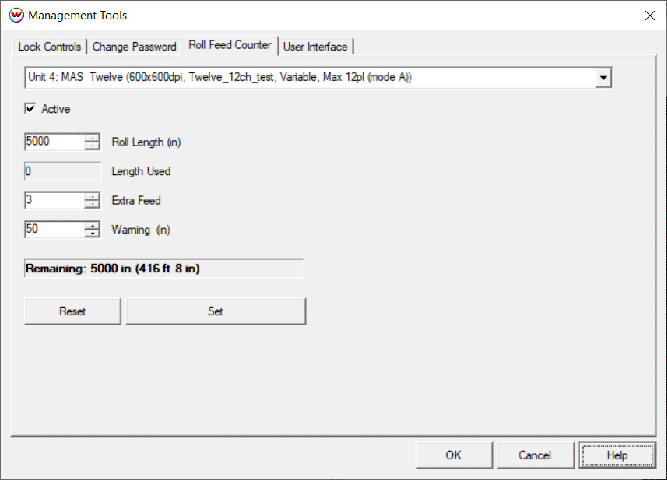
This tool helps you to keep track of how much media has been printed through the RIP, and determine if you have sufficient media to complete queued jobs. Status and warning messages are visible on the System tab. This information is also accessible via the Automation Option to upstream print management software.
Use this to change the password to something other than the default pass.