Densitometers Introduction Densitometers Introduction
March 25, 2020
Wasatch SoftRIP has the ability to use a variety of devices to obtain densitometry information. Use of the devices on this menu will aid in the production of a virtual linear device as discussed in the Color Calibration section of this help.
It is possible to linearize either density or dot area (percent) based on settings made using "Options" on the main menu of this window.
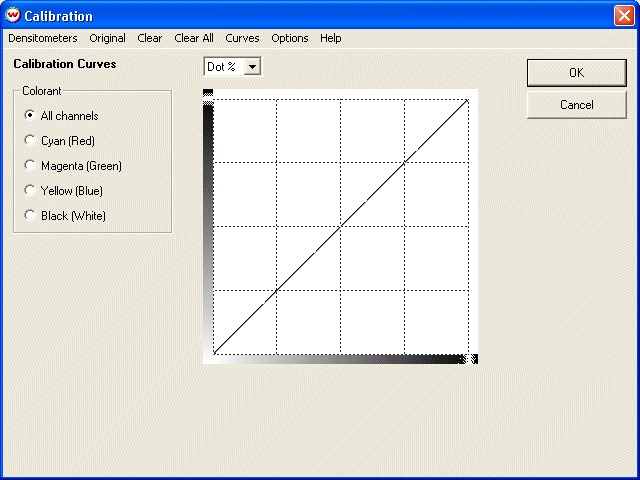
To get to the densitometry window, first select the Calibration button on the Color Transforms screen, then select Densitometers from the top of the Calibration screen.